Using the power of Unreal Engine 5.1, I embarked on a technical adventure when the Google Maps 3D tiles API was released. With an ambitious goal in mind, I challenged myself to complete this project within a tight one-week deadline.
Combining the Google 3D tiles and ChatGPT APIs, I harnessed the capabilities of Unreal Engine to create an immersive experience that pushes the boundaries of what's possible. Leveraging the flexibility of blueprints in Unreal, I seamlessly integrated the ChatGPT API, enabling users to enter prompts and receive dynamic responses.
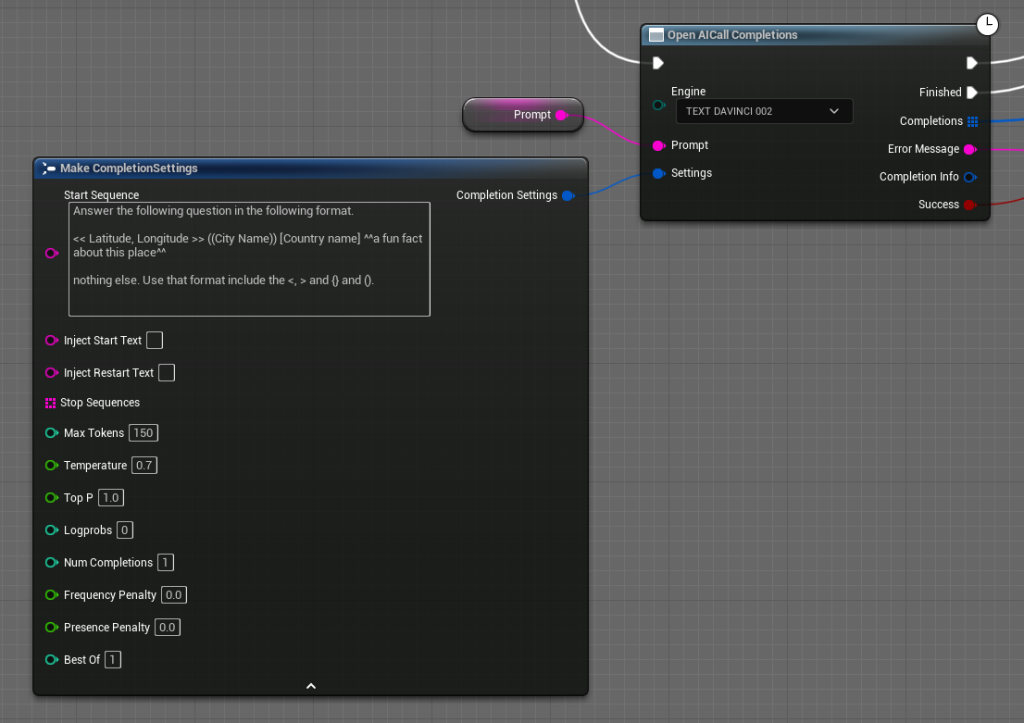
ChatGPT Integration
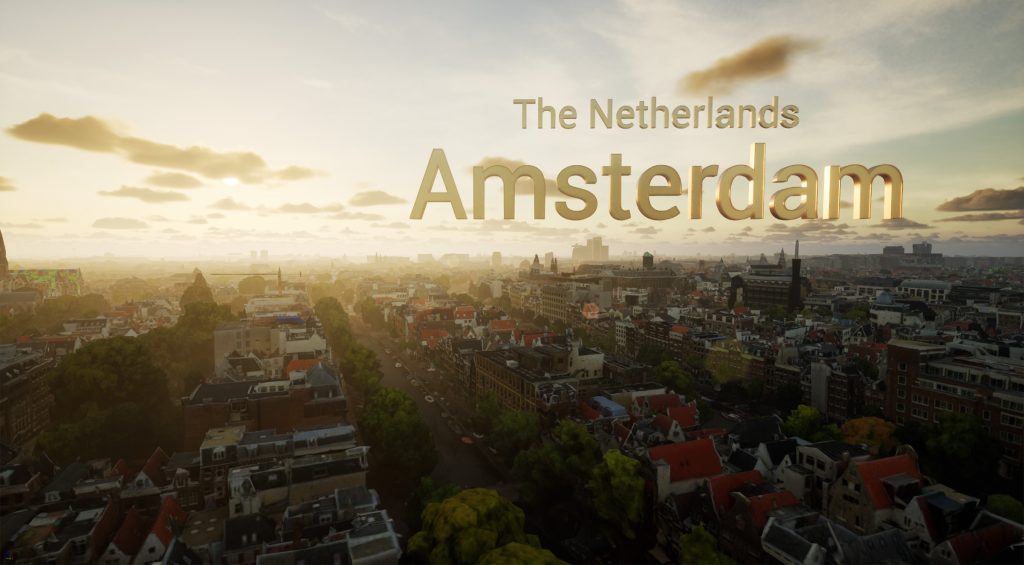
Every time a user enters a prompt, it triggers a specific function with the provided prompt. The answer provided by ChatGPT is then split into four sections: XY coordinates, city name, country, and an interesting fact about the location. This data is then first parsed into 3D text and placed in the virtual world.
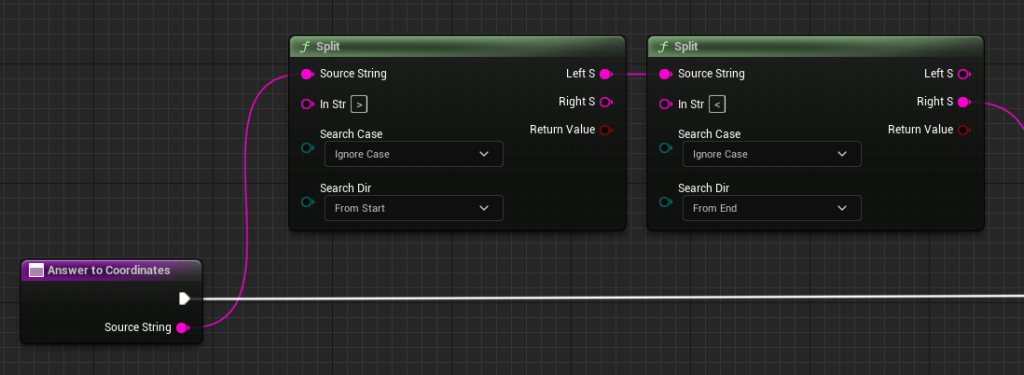
Google Maps & Cesium Integration
But how do we bring this virtual world to life with accurate location data? Here's where the Google Maps API comes into play. I utilized another function to translate the XY coordinates obtained from the prompt to retrieve the location data through the Google Maps API. The location data is then used to fetch the 3D geometry, thanks to the remarkable Cesium platform and plugin for Unreal Engine.
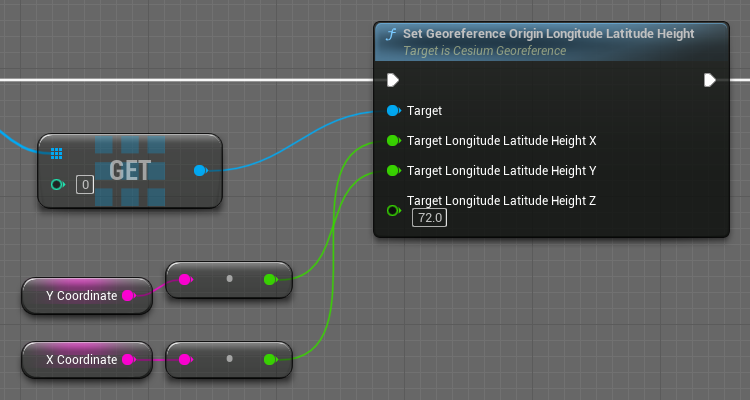
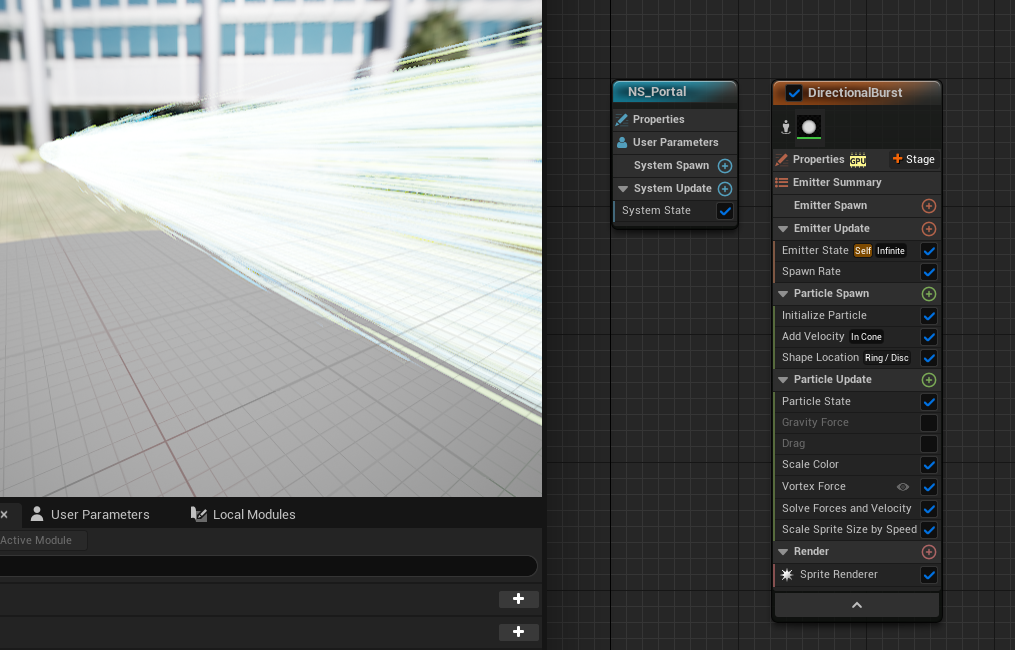
Once the location and geometry data are gathered, the 3D geometry is loaded onto the designated location. To seamlessly transition the user from their current position to the new location, I used the Niagara particle system to create a portal mechanism that cleverly hides the transition process.
Ground Level Detection
Of course, we can't forget about the practicalities of teleportation. Since ground levels vary across the world, we need to ensure that the player doesn't spawn underground or high above the ground level. By checking for ground collision, we make certain that the player spawns at an appropriate height above the ground. Additionally, to enhance the user experience, we position the player slightly backward from the intended location, providing them with a clear view of the destination upon arrival.
During the teleportation process, we also set the time of the location. Although the current implementation generates a random value for time, the original plan was to retrieve actual time and weather data from another API. However, given the time constraints of the project, that feature will have to wait for future development.
Project Outcome
This project has been an incredibly fun and rewarding experience. It showcases the immense power of Unreal Engine and demonstrates the endless possibilities that arise from integrating tools like Google 3D tiles and ChatGPT. If you have any questions about this project, don't hesitate to reach out. I'd be more than happy to share more insights!
Downloads
- Download the Unreal Engine 5 project files here
- Download the standalone Windows and Mac application here
Technical Details
- Software/Tools: Unreal Engine 5.1, Google Maps 3D Tiles API, ChatGPT API, Cesium Plugin, Niagara Particle System
- Key Contributions:
- ChatGPT API integration via Blueprints
- Google Maps API coordinate translation
- Cesium 3D geometry streaming
- Niagara portal effects for seamless transitions
- Ground collision detection system
- Dynamic time-of-day setting